Product / Web desk
Build, scan, and backtest on web.
Create or use a strategy, test it, enable a version, and run a scan on your watchlist. Approve stays on your phone.
Web
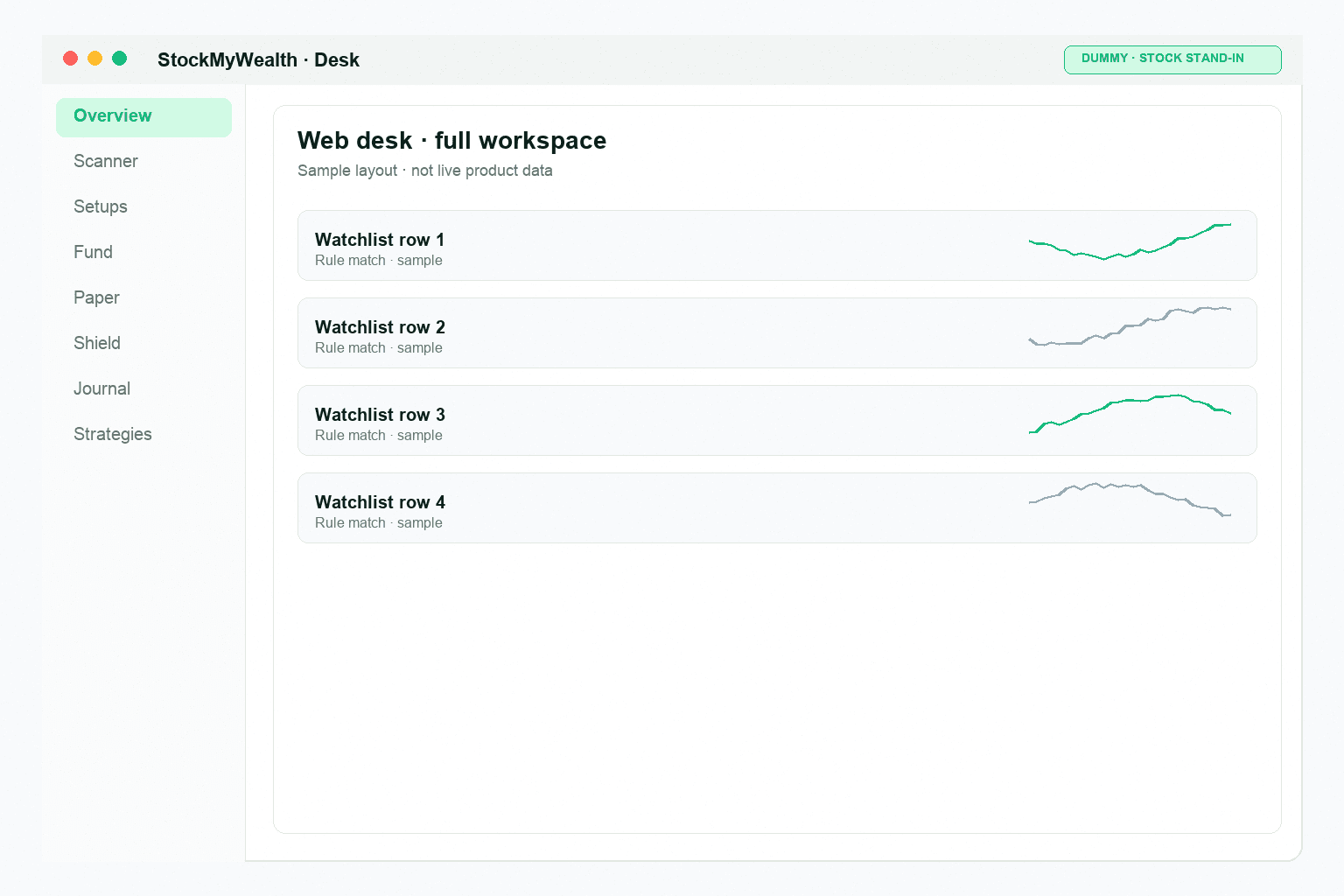
What you do on the web desk.
The web desk is for building and scanning. Shield, ticket, and Approve live on mobile.
- Strategy
- Backtest
- Enable
- Scan
- Build your own strategy or use a platform template
- Version the strategy and enable the one that scans
- Run each scan yourself — nothing runs on a schedule
- A match is your formula, not a stock recommendation
Strategy
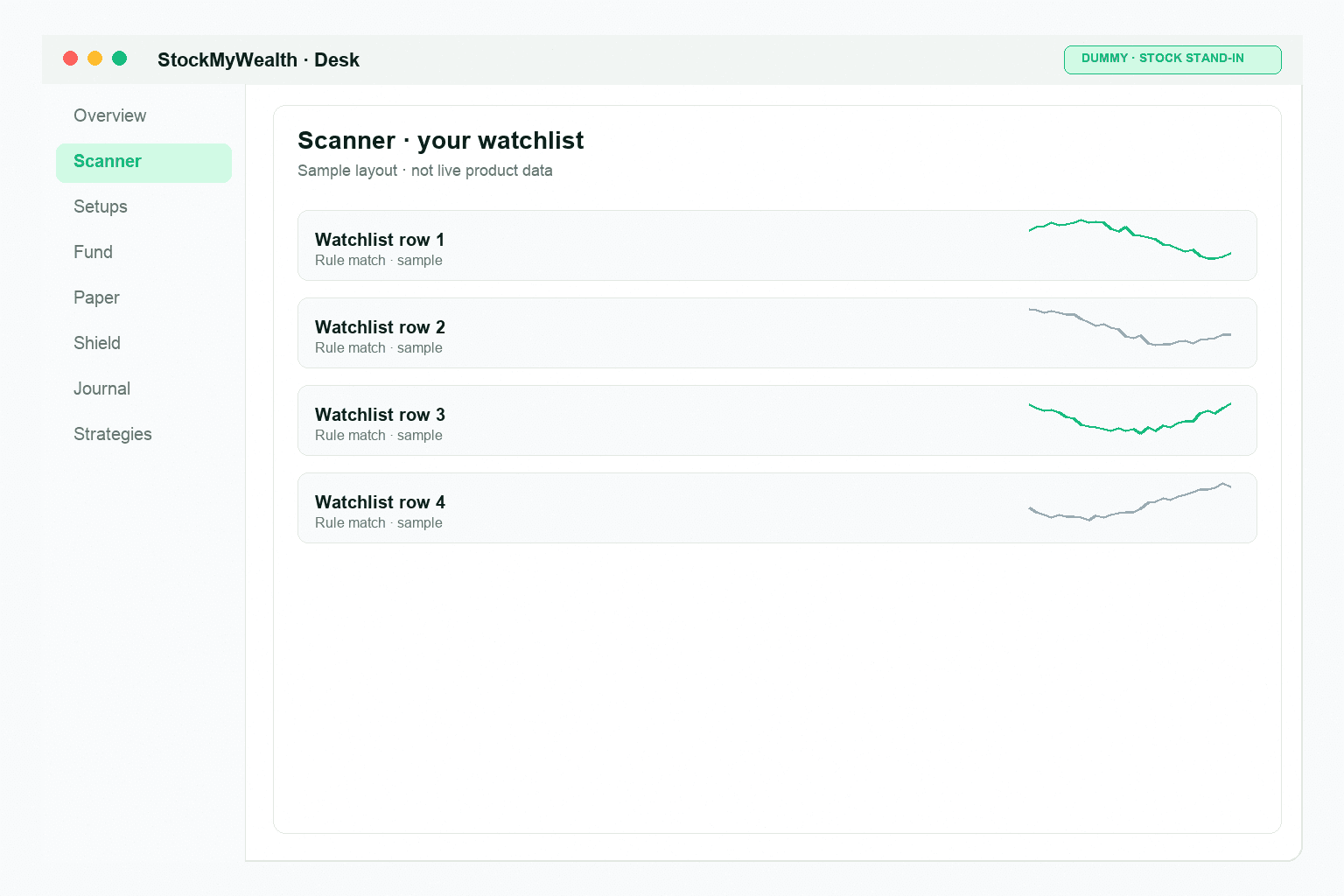
Build the strategies you scan with.
Write entry and exit conditions, set risk, and enable the version you want. User-authored strategies are for paper scanning and testing today.
Backtest
Review the backtest before you enable a version.
Review the simulated trades, expectancy, drawdown, and history before you enable a version. Free includes five backtests a day; Pro adds unlimited backtests on web.
Backtests are simulations, not forecasts or guarantees of future results.
Scan
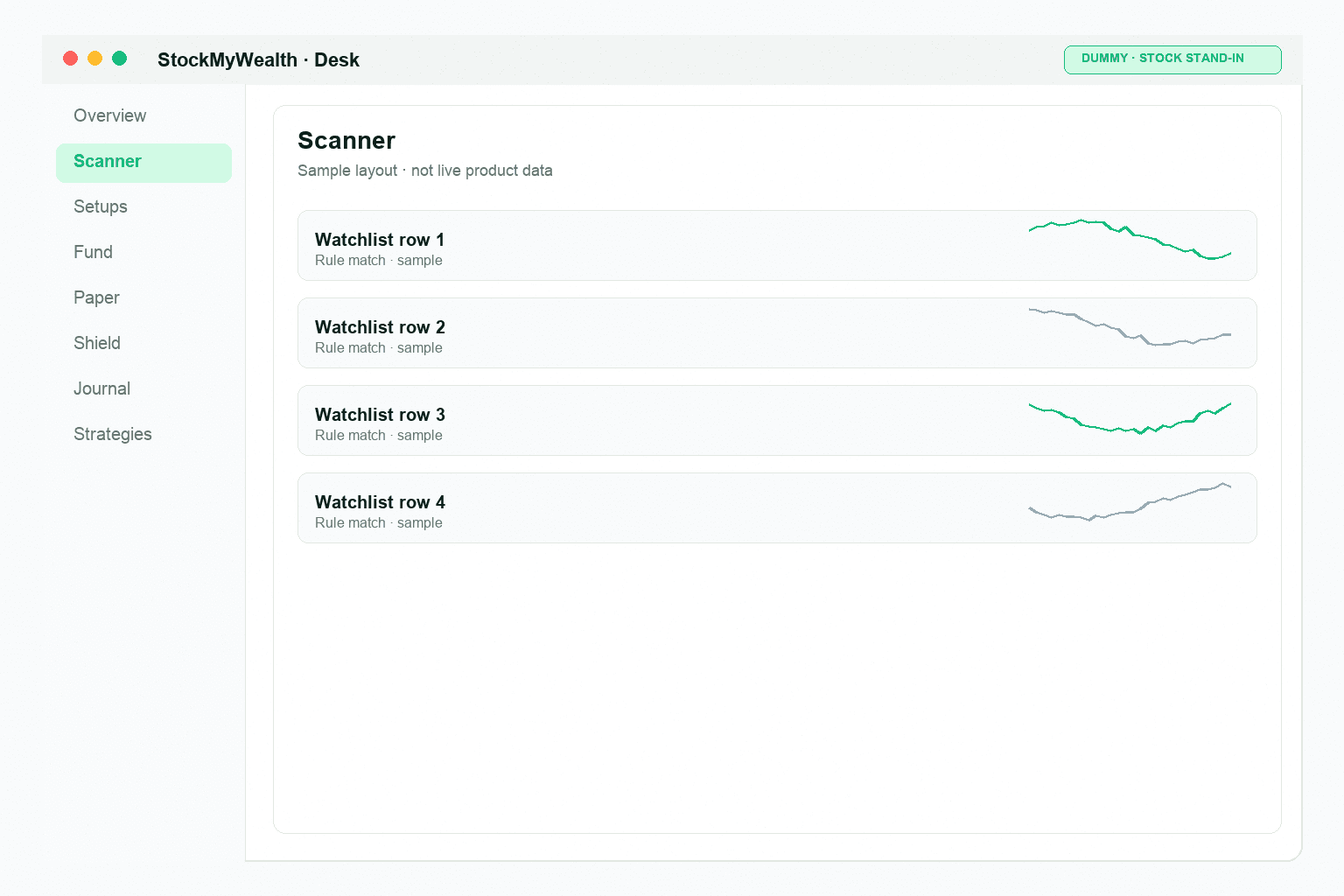
Scan your watchlist when you choose.
Choose the enabled strategy and your watchlist, then start the scan. Matching symbols become setups to review.
Handoff
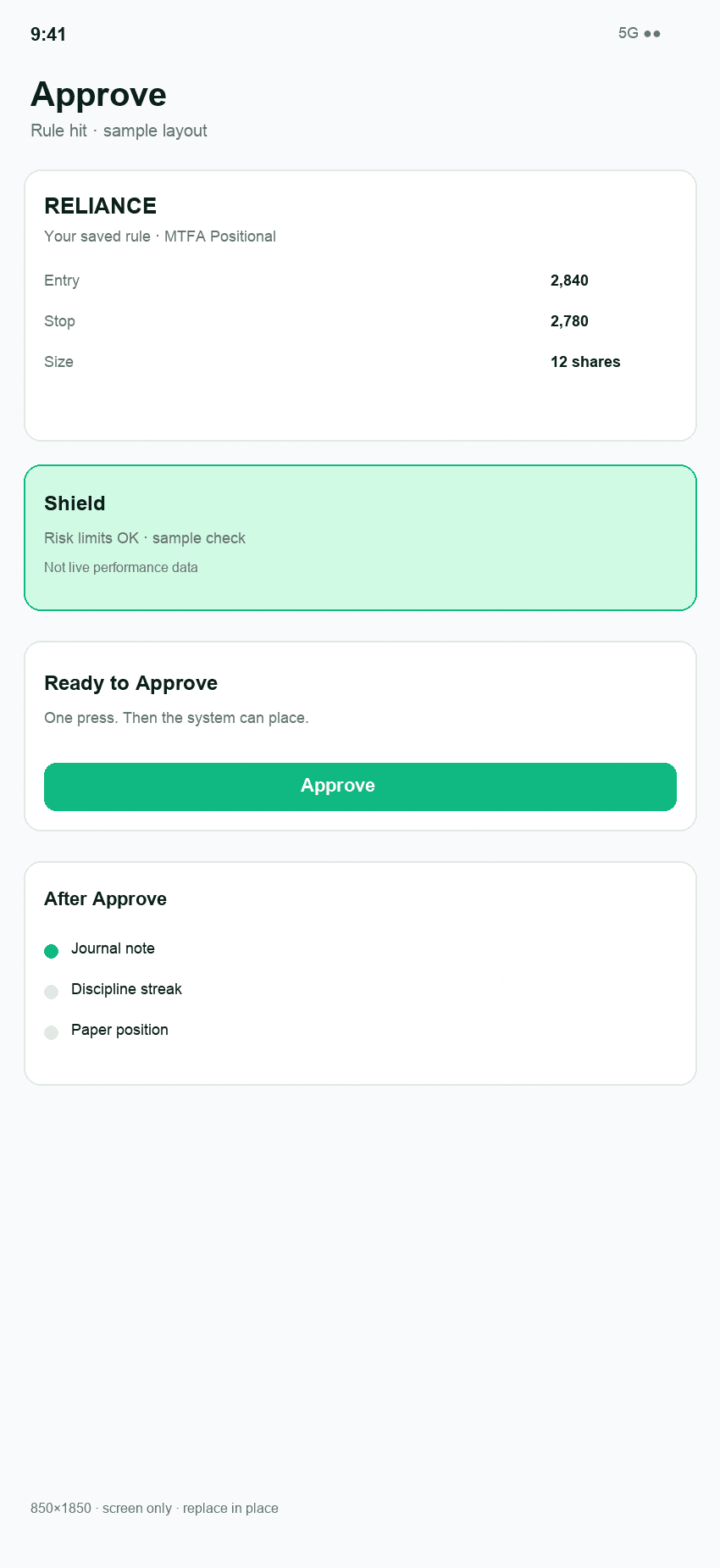
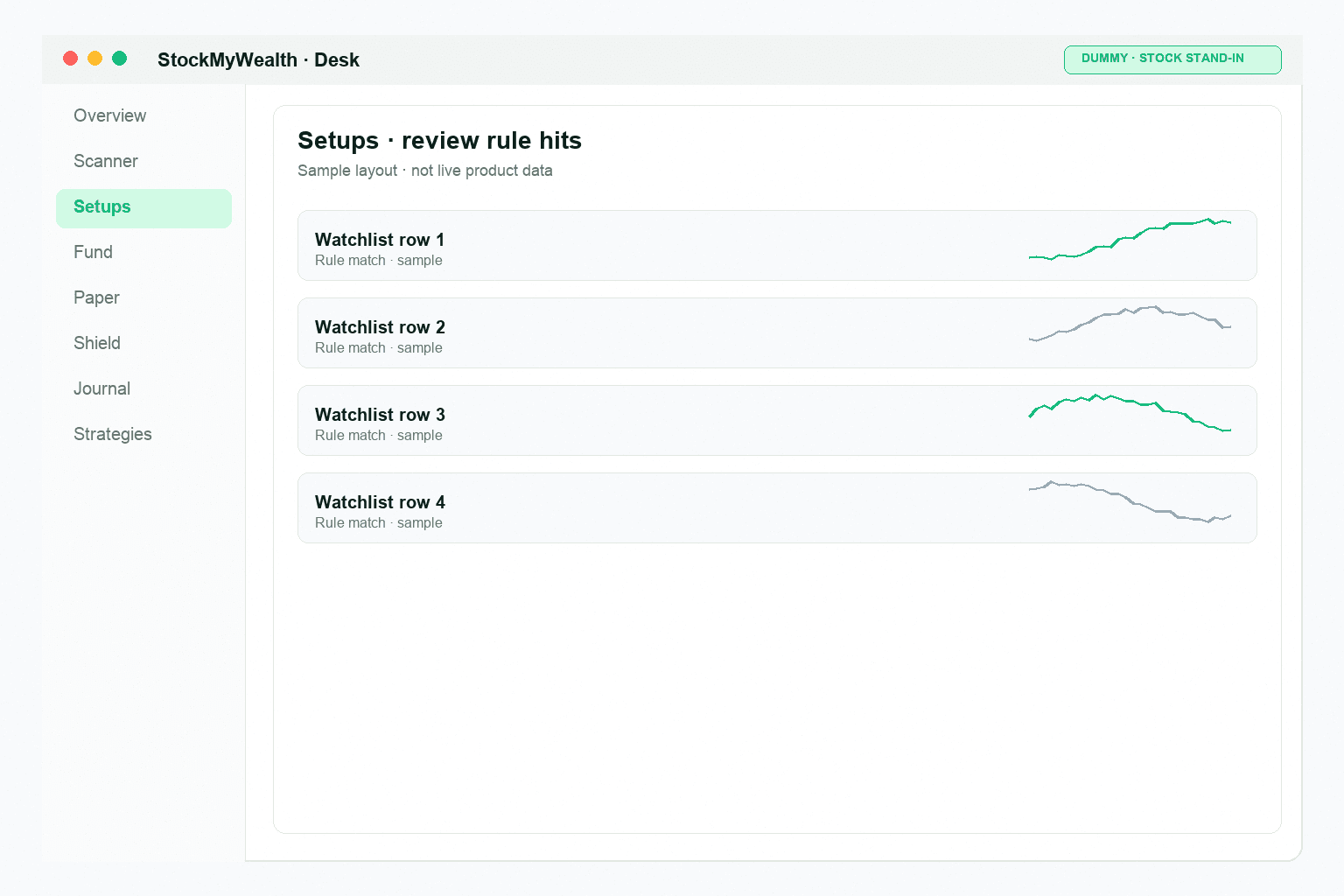
Approve stays on your phone.
You can review setups on the desk. The ticket and Approve are on mobile. After you Approve, paper positions land in Paper holdings. Funds stay with your broker.