
Plan
- Strategy
- Backtest
- Enable
- Scan
Build or use a strategy, test it, enable the version you want, and scan your watchlist.
Rules-based trading software
Build and scan strategies on the web. Risk rules size every trade. Approve on your phone — then send to your broker where enabled.
For salaried NSE positional and swing traders.
How it works
Set your strategy on the web. Run a scan, review the ticket, and approve only when you're ready.
Build or use a strategy, test it, enable the version you want, and scan your watchlist.
Review the matched setup, risk checks, position size and order ticket before you approve.
Where broker execution is enabled, the approved ticket is sent to your broker. The result is reconciled and recorded.
Product
Build and scan on the web. Review and approve on your phone. Your broker handles execution.
Web
Create or use strategies, manage watchlists and run scans when you're ready.
Mobile
Review the matched setup, risk, size and ticket before giving approval.
Broker
Where enabled, the approved ticket goes to your broker. Results are reconciled back into the record.
Risk & Shield
Before approval, Shield checks the ticket against your risk rules, position size, and other applicable constraints.
Shield does not eliminate market risk or guarantee a maximum loss.
Trust
You pick strategies. Risk rules size each trade. You approve before your broker executes.
Scan setups you build or pick on web — matches are your formula, not our stock calls.
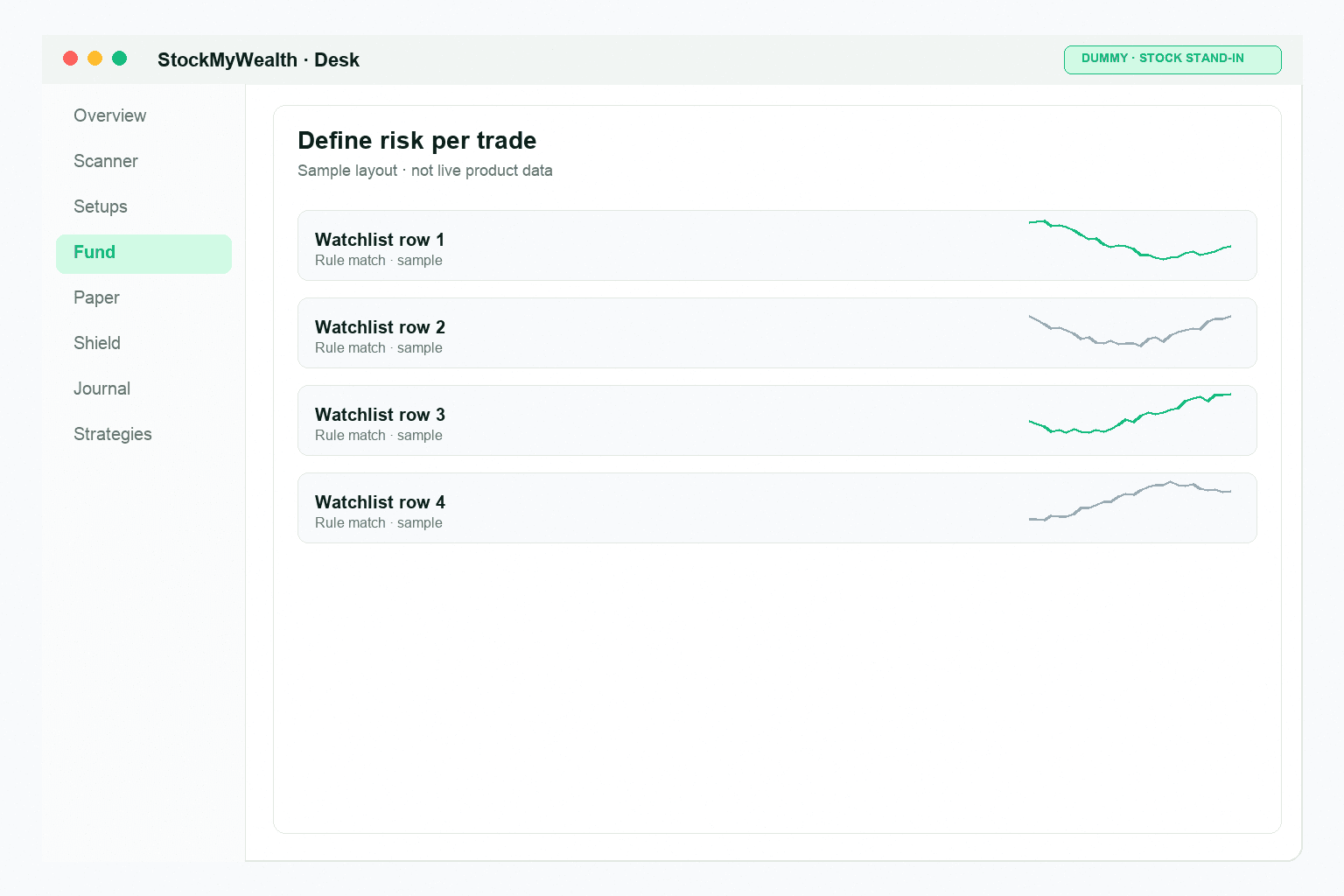
1% or 2% per trade, 6% max open risk, and kill switch — checked before every approve.
A broker order requires explicit approval before execution.
Funds remain with your broker. StockMyWealth is not a broker.
Key steps are recorded so you can trace the trade from strategy to result.
Brokers
Connect a supported broker where available. After you approve, the approved ticket can be sent for broker execution. Sync never approves an order.

StockMyWealth is not a broker and is not affiliated with or endorsed by Upstox or any other broker.
Pricing
Free covers paper trading, Shield, and five backtests per day. Pro adds unlimited backtest, broker connect, and mobile Approve where enabled.
Start with paper trading and the core workflow.
For traders who need additional strategy, backtesting and broker features.
Broker connect on Pro where enabled. Orders send only after Approve. Sync does not approve.
Get startedFAQ
Run the scan. Review the ticket. Approve when you're ready.
No Approve, no order.
Trading and investing in securities carries risk, including the loss of your capital. Nothing on this site or in the app is investment advice, a recommendation, or a solicitation to buy or sell. StockMyWealth is not a SEBI-registered IA, RA, or PMS. You run each scan. A scan match is your saved strategy, not a tip from us.
StockMyWealth is a software tool. It does not hold your funds or manage your money. During beta, practice the Approve loop on paper. When live broker placement is enabled for your Pro account, every broker order still requires your explicit Approve on mobile — one press on the ticket. After you Approve, the system may place that ticket at your connected broker. Sync reconciles broker data — it does not approve orders. Paper practice uses a simulation wallet; paper activity is not live trading.
You can build and backtest your own strategies on the web desk. A backtest of your own strategy is a simulation, not a result. Unattended auto-trading is not offered.
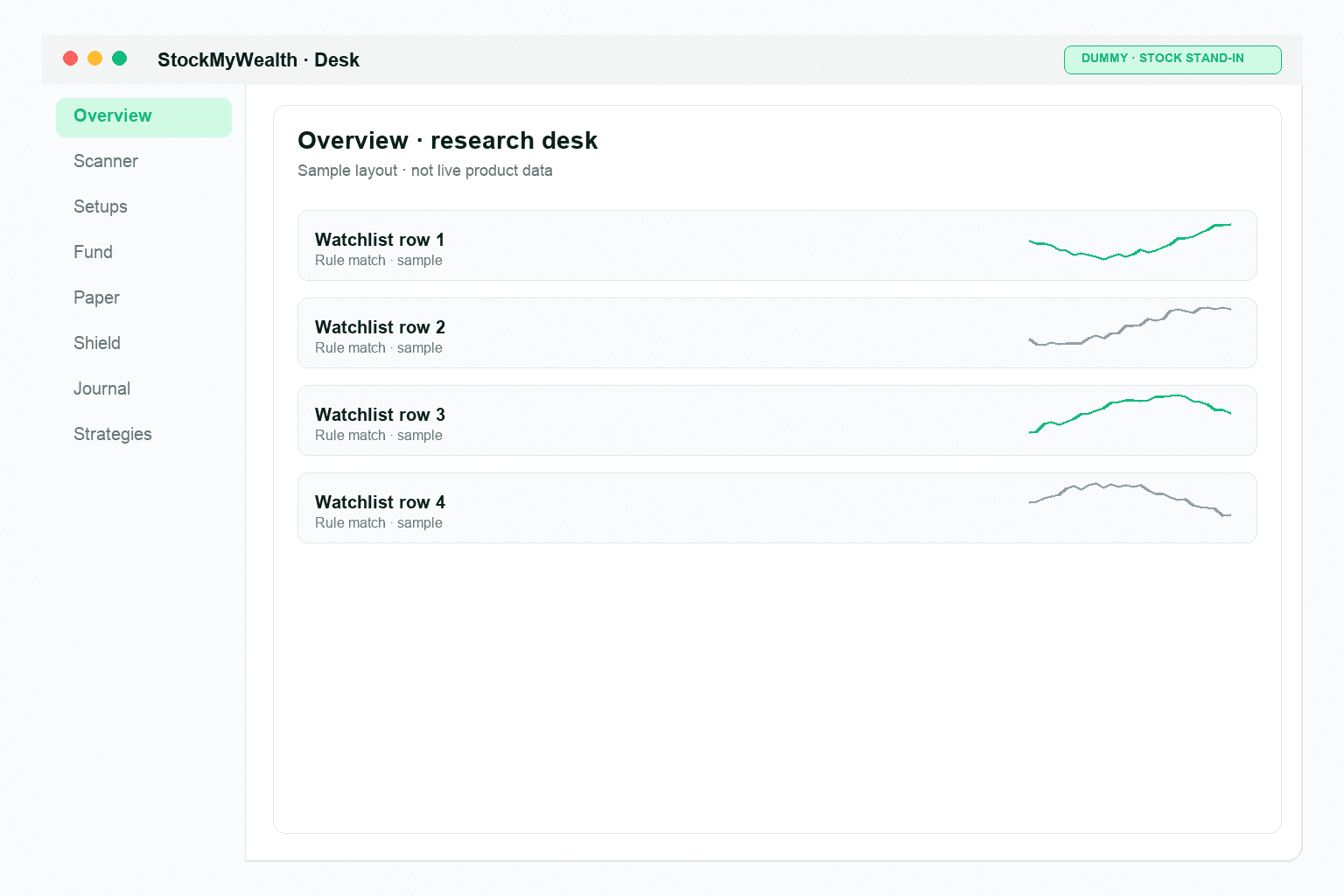
The app shows how its strategies behaved on historical data. A backtest is a reconstruction, not a result: it assumes fills that may not have been available, leaves out companies that dropped out of an index, and cannot reproduce real costs and slippage. Past behaviour does not predict future results. A strategy that was profitable across years can lose money for months at a stretch. Both platform templates shipped today — MTFA Positional and Golden Cross — have had losing stretches, including recent ones. Product screenshots on this site are sample UI layouts only — not live account data and not real performance results.
Stop-losses can fail in real markets — gaps and slippage happen. Do not treat paper results, risk rules, or stops as a guarantee of maximum loss. Your broker’s own statements — not this app — are the authoritative record of live trades.
Full Terms of Service and Privacy Policy.