Skip to content
How It WorksProductPricingFAQ
Get startedLog in
How It WorksProductPricingFAQ
Get startedLog in

Product

Build strategies. Scan your watchlist. Approve on mobile.

Strategy software for NSE positional and swing traders. Build and test on the web. Run scans when you choose. Risk rules size each ticket; you approve on your phone before broker execution where enabled.
Get startedSee how it works
Product UI — sample layout, not real performance data.

Architecture

Web · Mobile · Broker

One product across three surfaces. You build and scan on the web. You approve on your phone. Your broker executes where enabled.

  1. Web

    Build and Scan

    Create or use a strategy, backtest it, enable a version, and run a scan on your watchlist.

    • Strategy Builder
    • Backtest
    • Version
    • Enable
    • Watchlist
    • Run scan

    →

  2. Mobile

    Review and Approve

    Open the match, review Shield and size on the ticket, then Approve once.

    • Matched setup
    • Shield
    • Risk
    • Position size
    • Order ticket
    • Approve

    →

  3. Broker

    Execute and Reconcile

    Where enabled, the approved ticket is sent to your broker. The result is reconciled into the record.

    • Approved ticket
    • Broker execution where enabled
    • Protection where supported
    • Reconciliation

Strategy

Build the strategies you actually trade.

Write your own strategy or start from a platform template. Set entry and exit conditions, set risk rules, and enable the version you want to scan.

  • Create your own strategy or use a platform template
  • Define entry and exit conditions
  • Version the strategy and enable the one that scans
  • User-authored strategies are for paper scanning and testing today
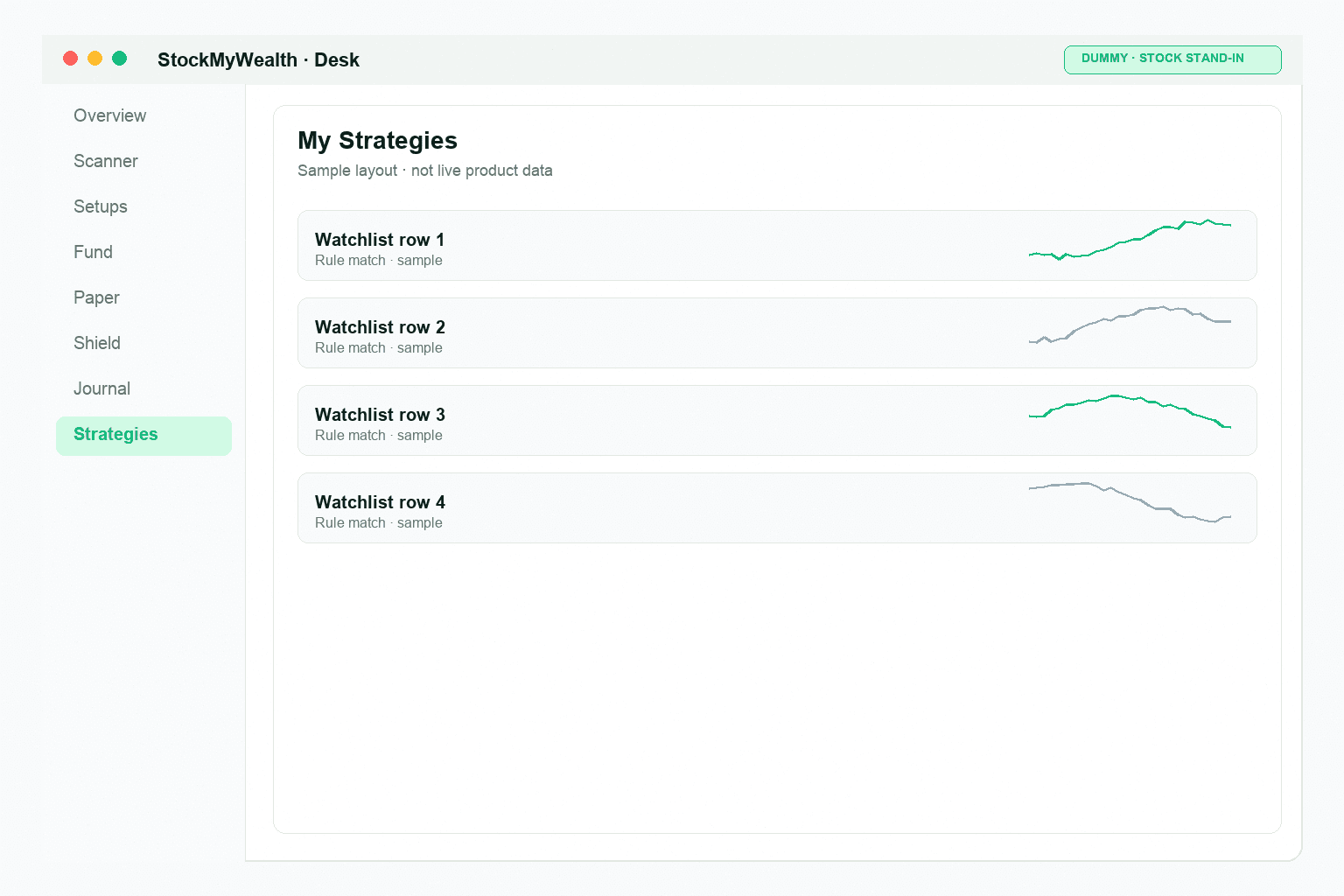
Strategy Builder
Product UI — sample layout, not real performance data.

Backtest

Test the strategy before you enable it.

Run a backtest on the web desk. Review the simulated trades, expectancy, profit factor, drawdown, and history before you enable a version.

Backtests are simulations, not forecasts or guarantees of future results.
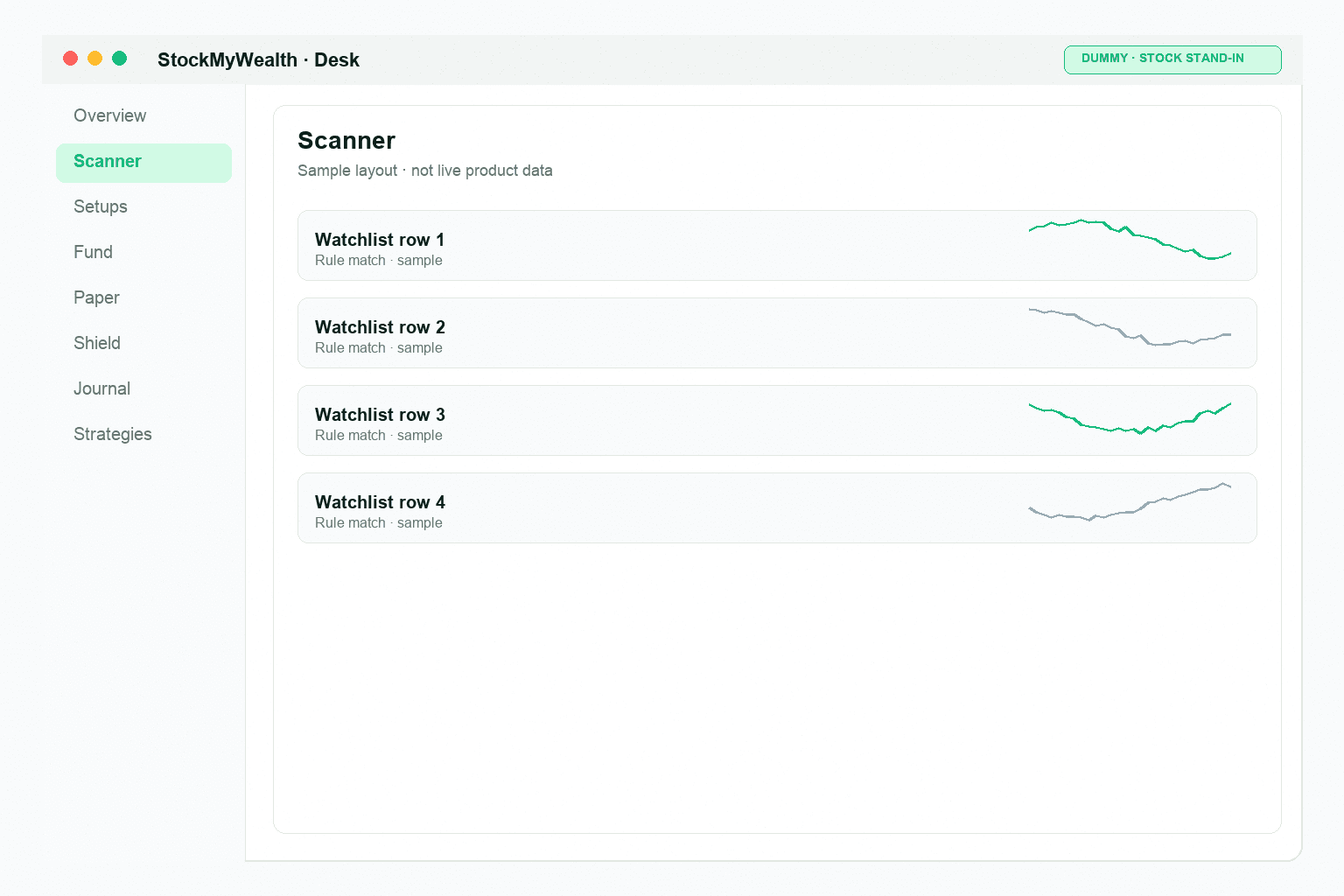
Backtest
Product UI — sample layout, not real performance data.

Scan

Run the scan when you're ready.

Choose the enabled strategy and your watchlist, then start the scan. StockMyWealth checks those symbols against your saved strategy. A match is your formula — not a stock recommendation.
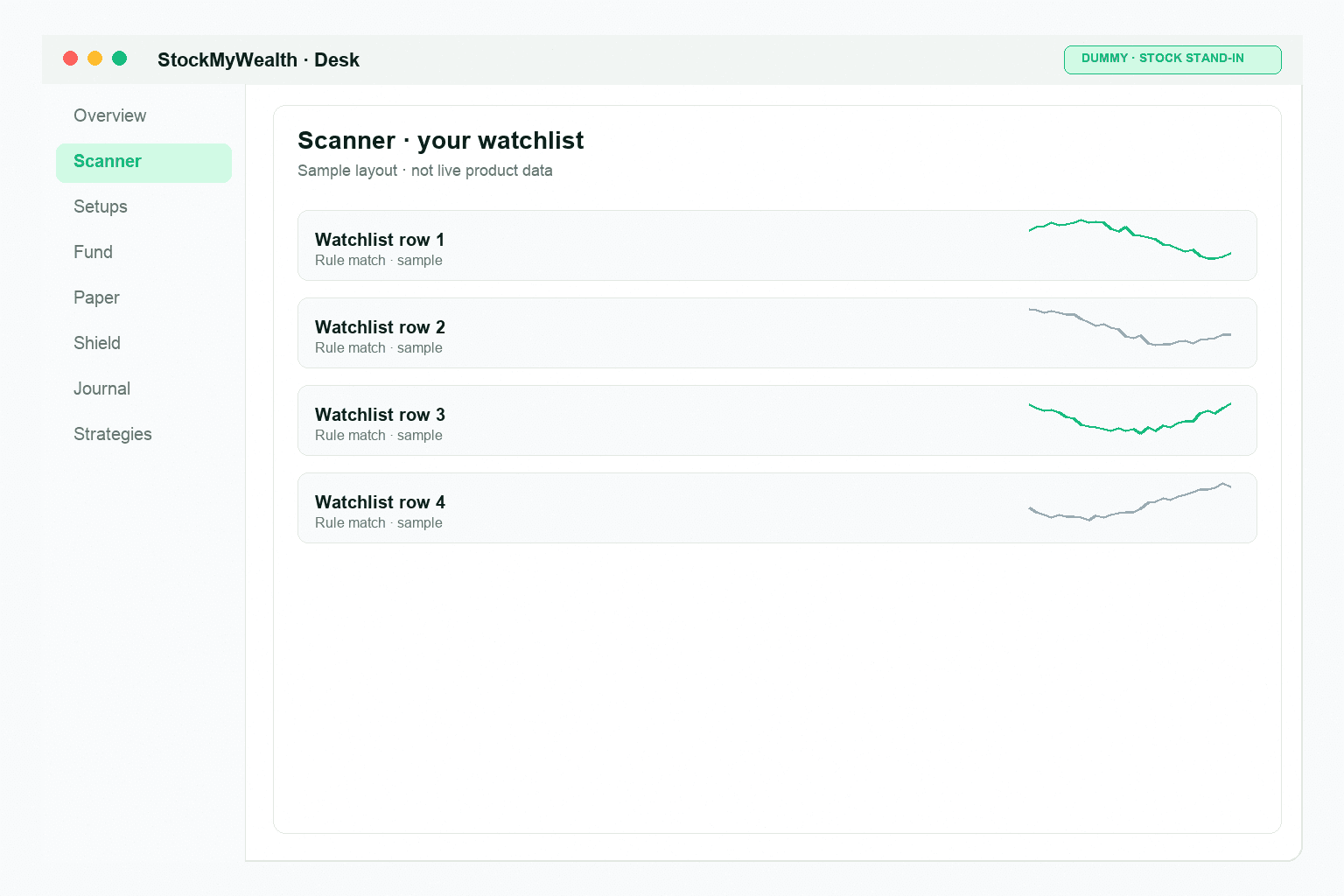
  • You start each scan — nothing runs on a schedule
  • Matches come from the enabled strategy version
  • Matching symbols become setups to review

Build, backtest, and scan on the web desk →

Scanner
Product UI — sample layout, not real performance data.

Decide

Match → Shield → Ticket → Approve

The match comes from your strategies. Before approval, risk rules check sizing and limits. The mobile ticket shows what can be sent. You Approve once.

No Approve, no order.
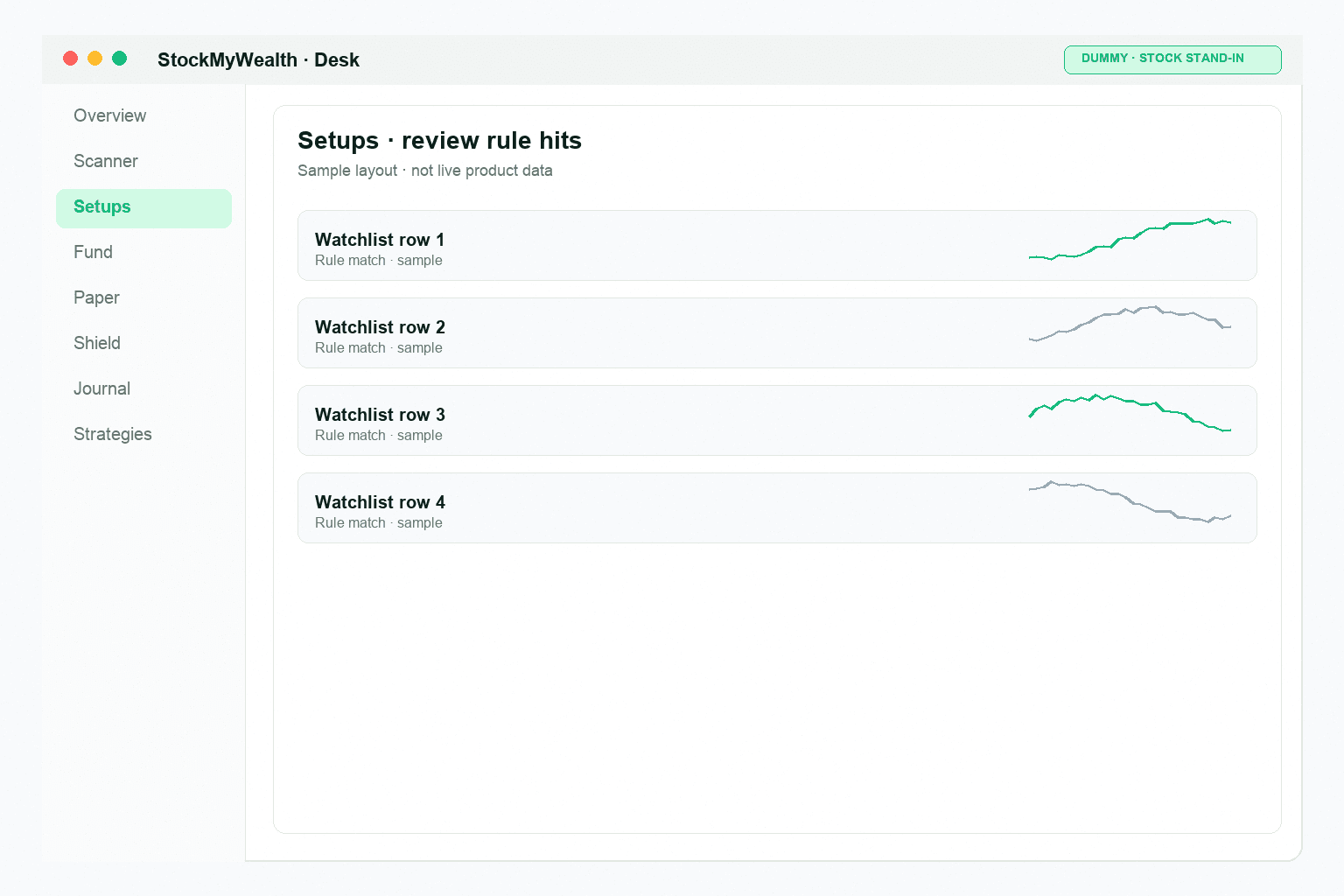
Match
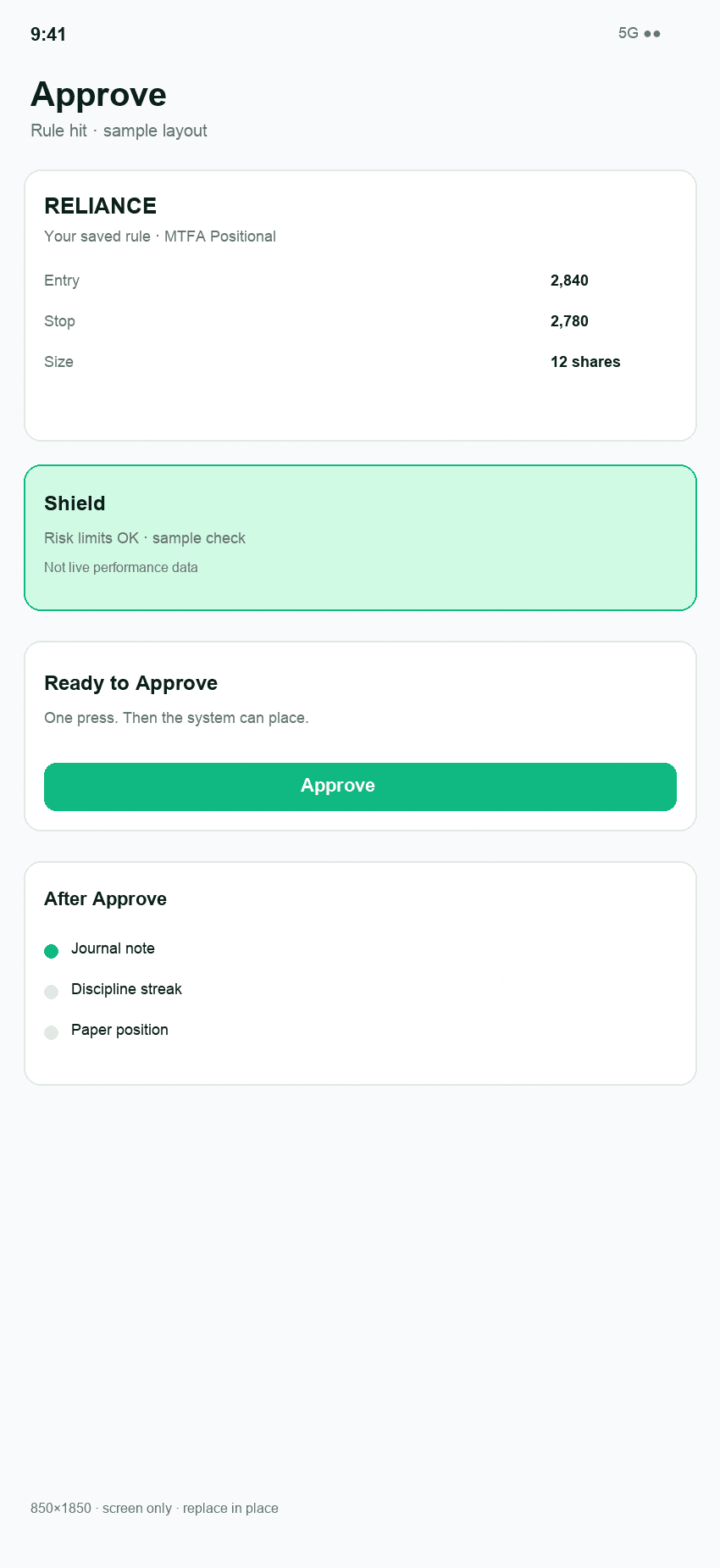
Product UI — sample layout, not real performance data.
Approve
Product UI — sample layout, not real performance data.

Shield

Risk is checked before you approve.

Before approval, Shield checks the ticket against your risk rules, position size, and other applicable constraints.

  • Risk per trade
  • Position sizing
  • Open-risk and exposure checks
  • Risk rules (1% / 2%, 6% max open)
  • Stop and target handling where supported

Shield does not eliminate market risk or guarantee a maximum loss.

Review the ticket and Approve on mobile →

Ticket + Shield + Approve
Product UI — sample layout, not real performance data.

After approval

After you Approve.

Where broker execution is enabled, the approved ticket is sent to your broker. You can monitor and exit where supported. The result is reconciled and recorded on the receipt.
  1. Approve→
  2. Broker→
  3. Monitor / Exit→
  4. Reconcile→
  5. Receipt
  • Funds remain with your broker
  • No unattended auto-trading
  • Reconciliation records the broker result
  • The receipt traces the trade from rule to result
Trade Receipt
Product UI — sample layout, not real performance data.

Paper and live

Paper is not live trading.

Paper

Paper lets you practise the same workflow with a simulation wallet. Paper activity is not live broker execution.

Live

Live placement is only where product and broker eligibility allow it. Every broker order still needs explicit Approve. User-authored strategies are currently paper-only for live execution.

Evidence

Every important step can be traced from rule to result.

  1. Strategy→
  2. Version→
  3. Scan→
  4. Match→
  5. Ticket→
  6. Approve→
  7. Broker→
  8. Reconcile→
  9. Receipt

How the workflow works →

Build your strategies. Run your scan. Stay in control.

Review the ticket. Approve when you're ready.

No Approve, no order.

Get started

Risk rules you set; you approve every order. Not a tip channel.

  • Not a SEBI-registered adviser or research analyst
  • Not a broker — funds stay with your broker
  • No unattended auto-trading
  • Paper is not live trading
  • Live broker placement requires Approve and enabled connect on Pro

Your rules. You approve. Your broker.

StockMyWealth is rules-based trading software for NSE positional and swing traders. You can build or use strategies, backtest them, scan watchlists, review risk, and approve broker orders where enabled.

How it worksProductWeb deskMobile appPricingFAQContactRisk disclosureTermsPrivacy

© 2026 StockMyWealth. All rights reserved.