
Plan
- Strategy
- Backtest
- Enable
- Scan
Build or use a strategy, test it, enable the version you want, and scan your watchlist.
How it works
Set your strategy on the web. Backtest and enable a version, scan your watchlist, review Shield on the ticket, Approve on your phone, then send the approved ticket to your broker where enabled.
Scan → Approve → Shield
How it works
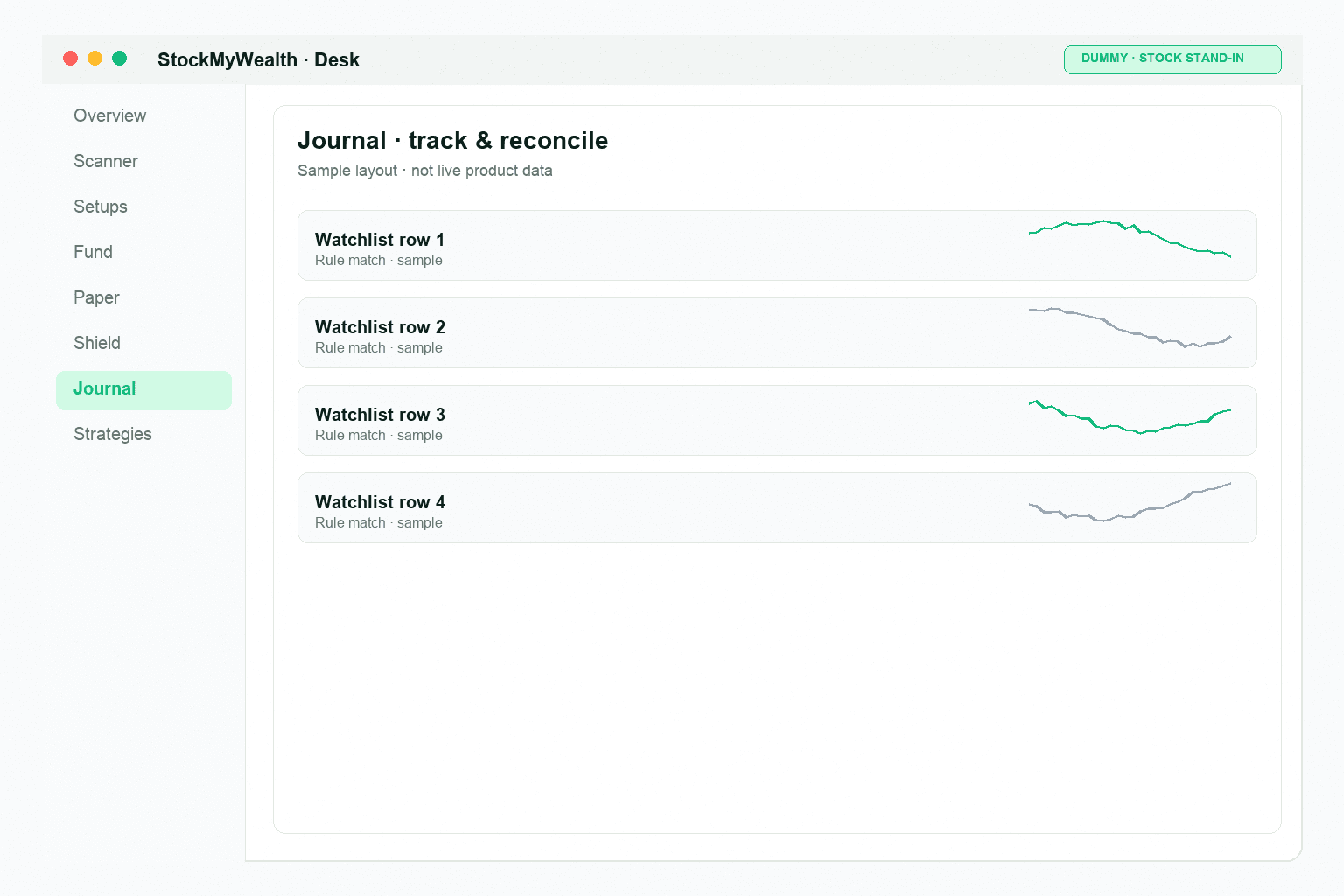
Set your strategy on the web. Run a scan, review the ticket, and approve only when you're ready.
Build or use a strategy, test it, enable the version you want, and scan your watchlist.
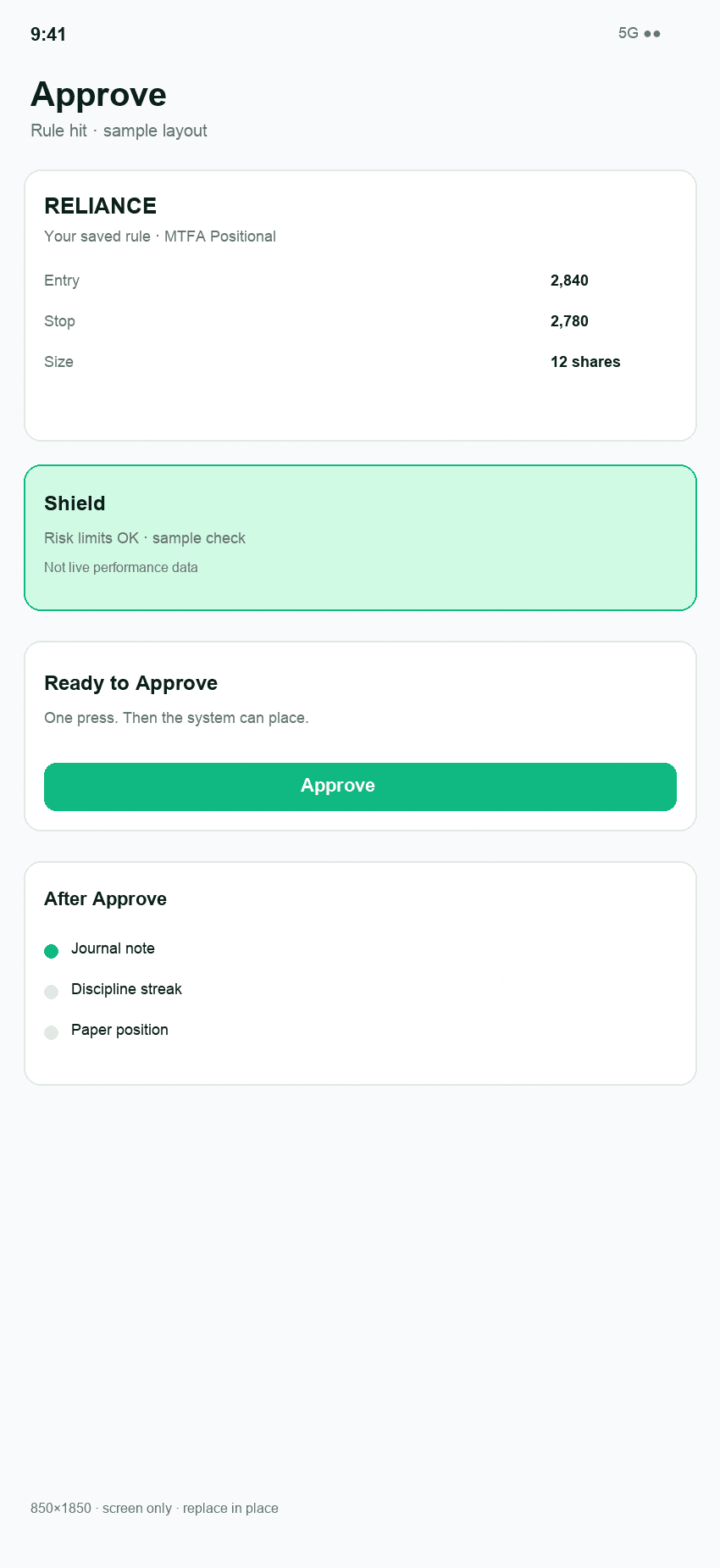
Review the matched setup, risk checks, position size and order ticket before you approve.
Where broker execution is enabled, the approved ticket is sent to your broker. The result is reconciled and recorded.
Product
Build and scan on the web. Review and approve on your phone. Your broker handles execution.
Web
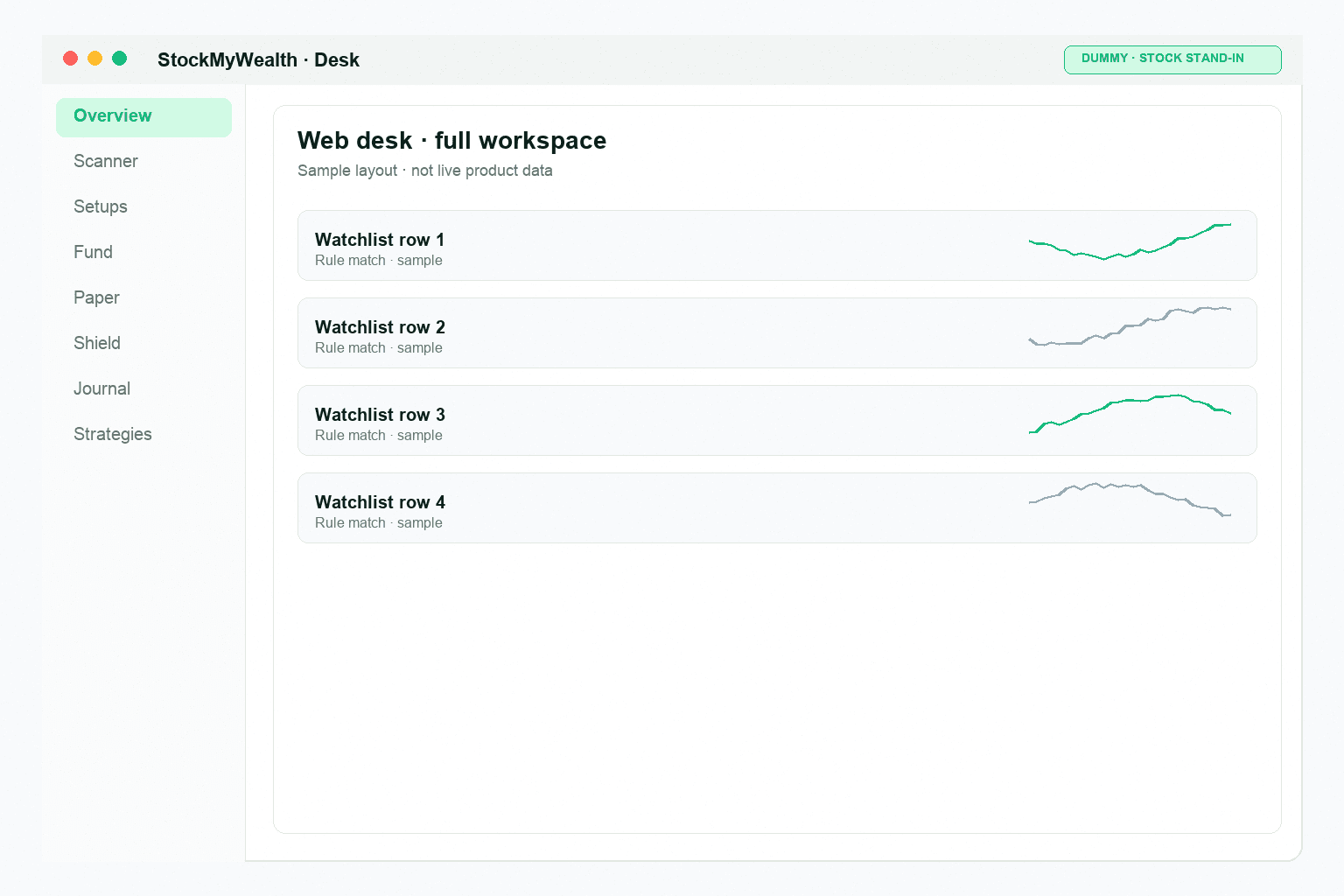
Create or use strategies, manage watchlists and run scans when you're ready.
Mobile
Review the matched setup, risk, size and ticket before giving approval.
Broker
Where enabled, the approved ticket goes to your broker. Results are reconciled back into the record.
Risk & Shield
Before approval, Shield checks the ticket against your risk rules, position size, and other applicable constraints.
Shield does not eliminate market risk or guarantee a maximum loss.
04 · Evidence
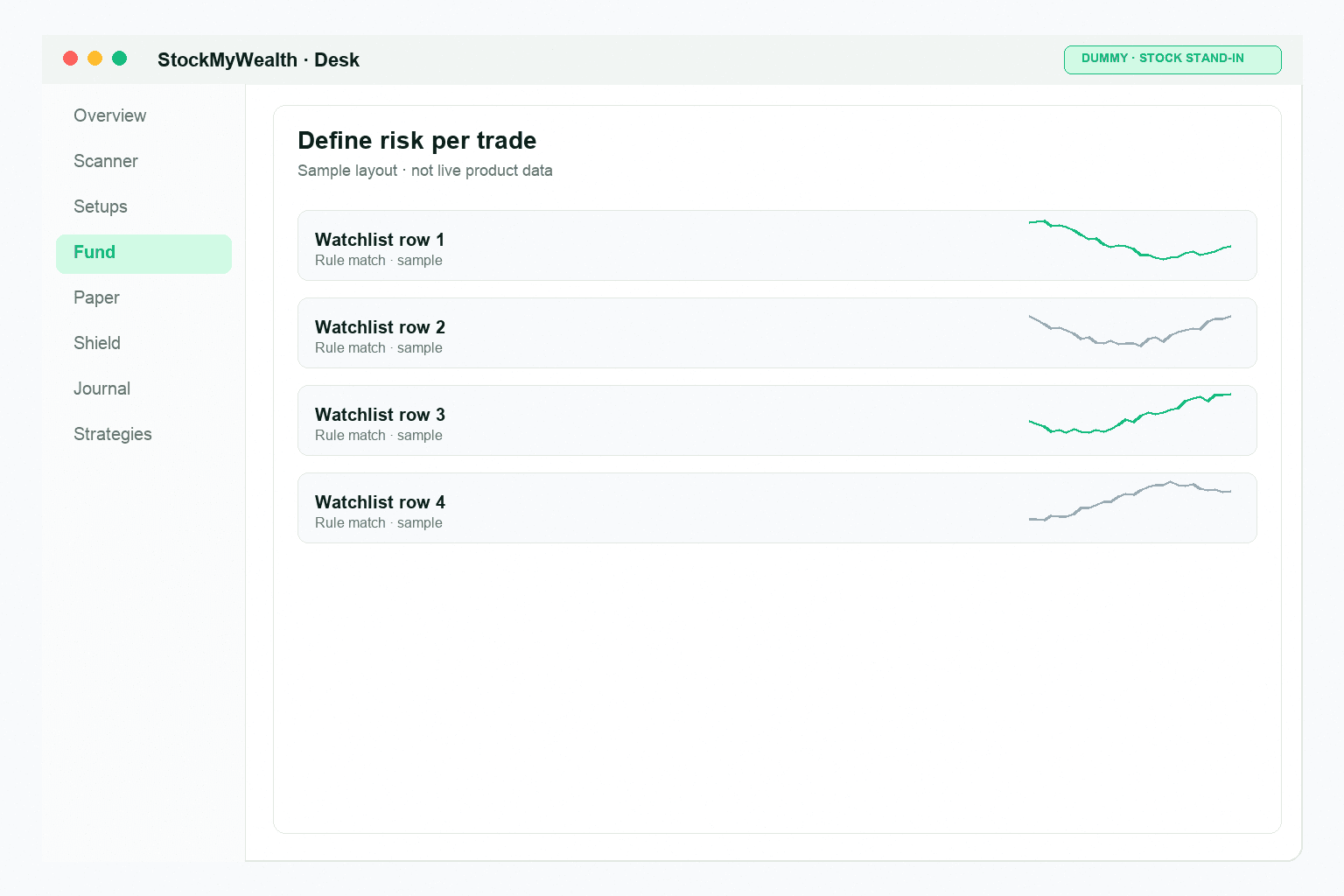
Strategy → scan → ticket → Approve → broker. Process trail — not a performance pitch.
Strategy
You build and version your strategies.
Backtest
Review the simulation, then enable.
Enable
Choose which version scans.
Scan match
Your formula on a symbol you watch.
Order ticket
Size, Shield, charges to review.
Approve on phone
One press. No Approve, no order.
Broker send
System places what you approved.
Fills
Fill, partial, or reject from broker.
Exit
Stop, target, time, or manual.
Reconcile
Match against broker records.
Trust
You pick strategies. Risk rules size each trade. You approve before your broker executes.
Scan setups you build or pick on web — matches are your formula, not our stock calls.
1% or 2% per trade, 6% max open risk, and kill switch — checked before every approve.
A broker order requires explicit approval before execution.
Funds remain with your broker. StockMyWealth is not a broker.
Key steps are recorded so you can trace the trade from strategy to result.
Run the scan. Review the ticket. Approve when you're ready.
No Approve, no order.


