
Product / Mobile
Review the ticket. Approve on your phone.
A match comes from your strategies. Risk rules check size and limits. You Approve once before broker execution where enabled.
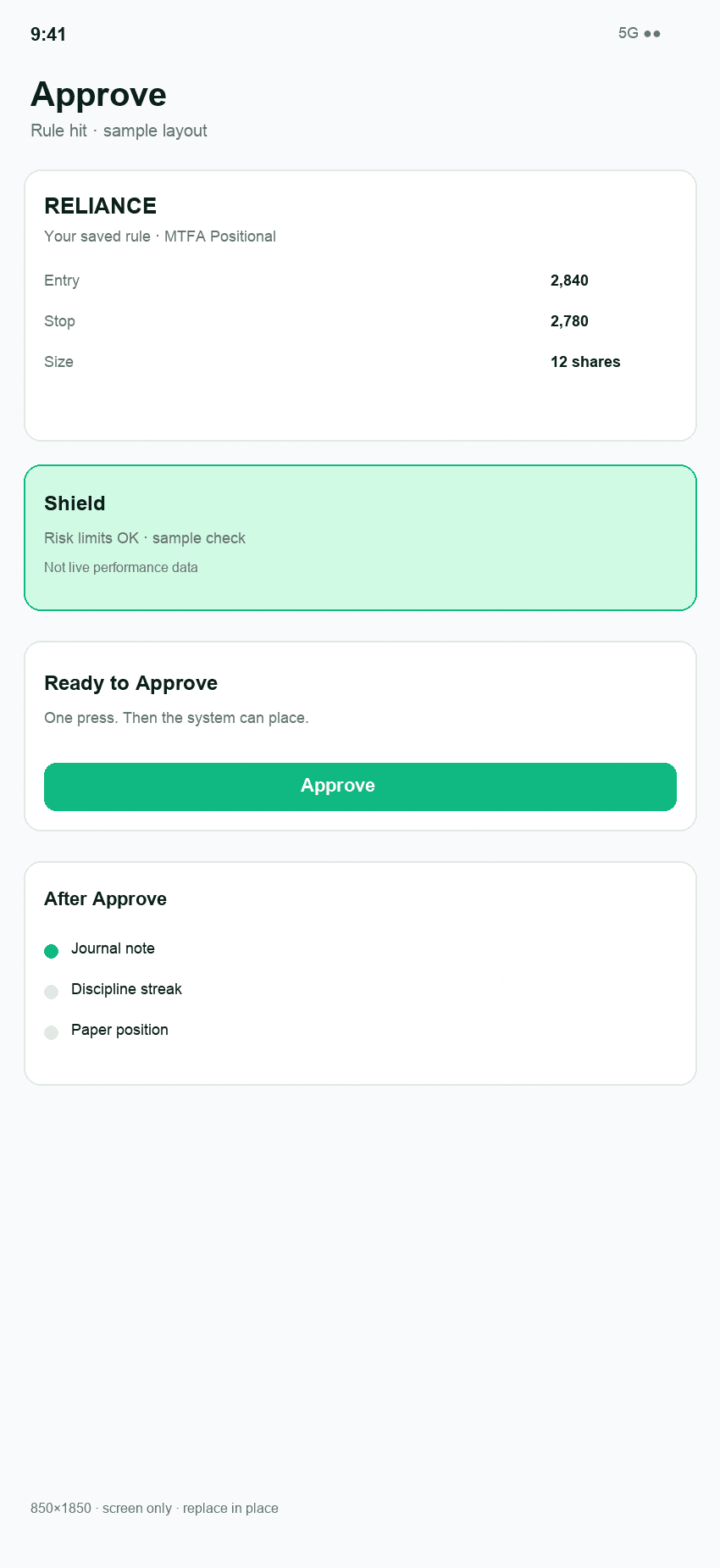
Decide
Match → Shield → Ticket → Approve
The mobile ticket shows what can be sent. No Approve, no order.
- Open the matched setup from your scan
- Shield checks the applicable risk and sizing constraints
- The ticket shows the order that can be sent
- You Approve once
No Approve, no order.
Shield
Risk is checked before you approve.
- Risk per trade
- Position sizing
- Open-risk and exposure checks
- Risk rules (1% / 2%, 6% max open)
- Stop and target handling where supported
Shield does not eliminate market risk or guarantee a maximum loss.
Journal
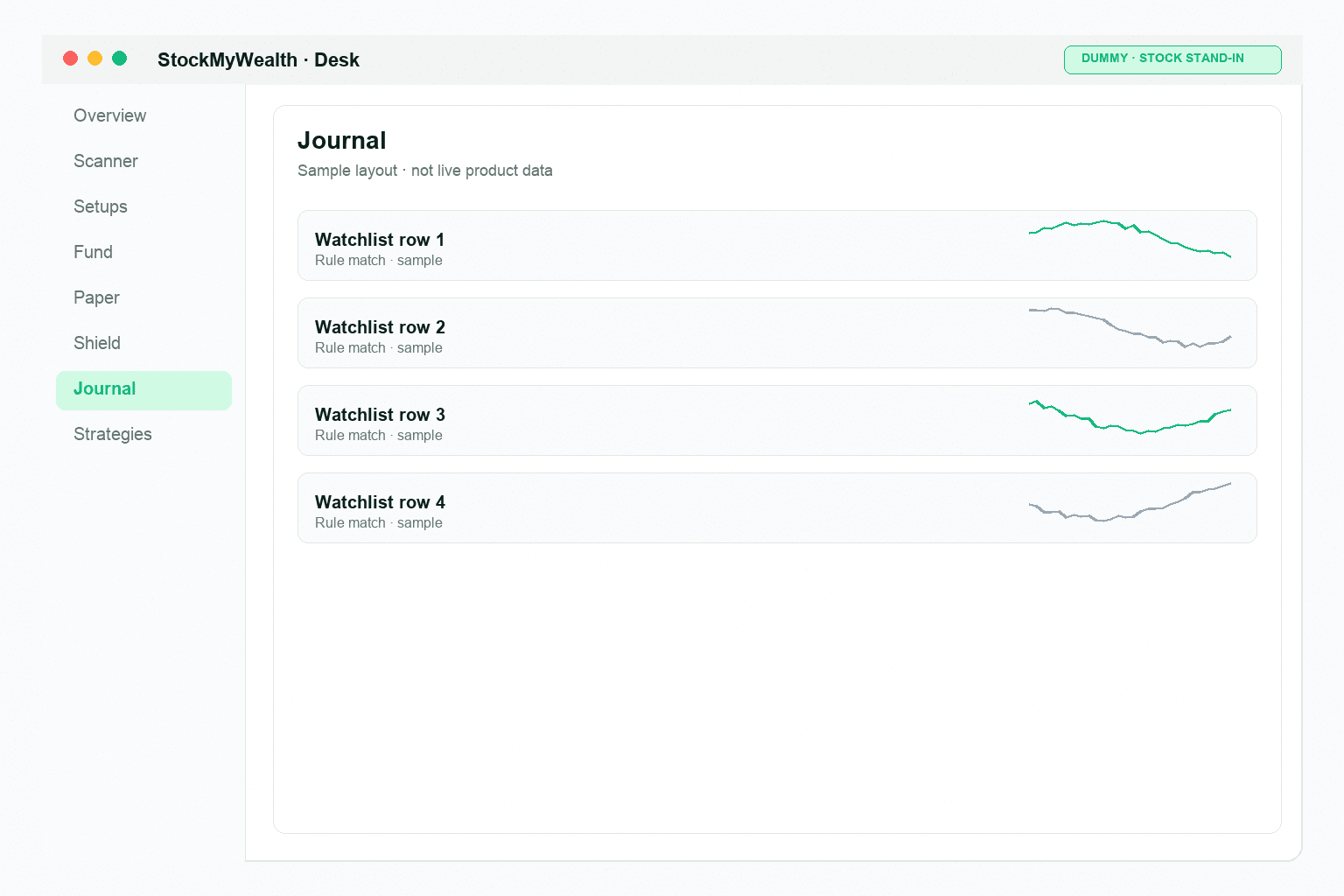
Journal after you Approve.
The record follows trades you approved. Pro adds tags, review, and a habit weekly report. It is private — not a public ranking.
- Score history after you Approve
- Private journal — no public rankings
- Pro: tags, review, habit weekly report
After approval
After you Approve.
Where broker execution is enabled, the approved ticket can be sent to your broker. Paper activity is not live broker execution.
Mobile approve is available to signed-in users — not on the public App Store or Play Store yet. Get started on the web desk, then continue on phone.